 OverStandard
This article is for Property Managers. Building Users hold a narrower version of this role; see The building team view.
Opening the editor
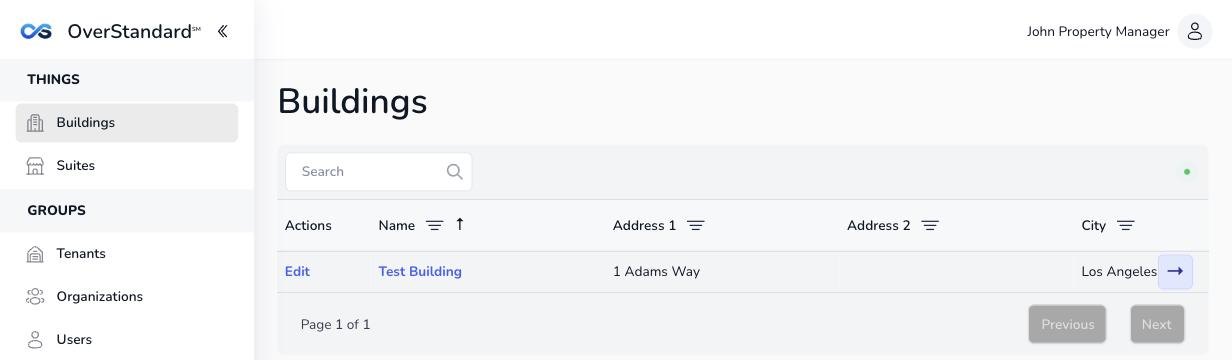
Open Buildings and click Edit.
Building details
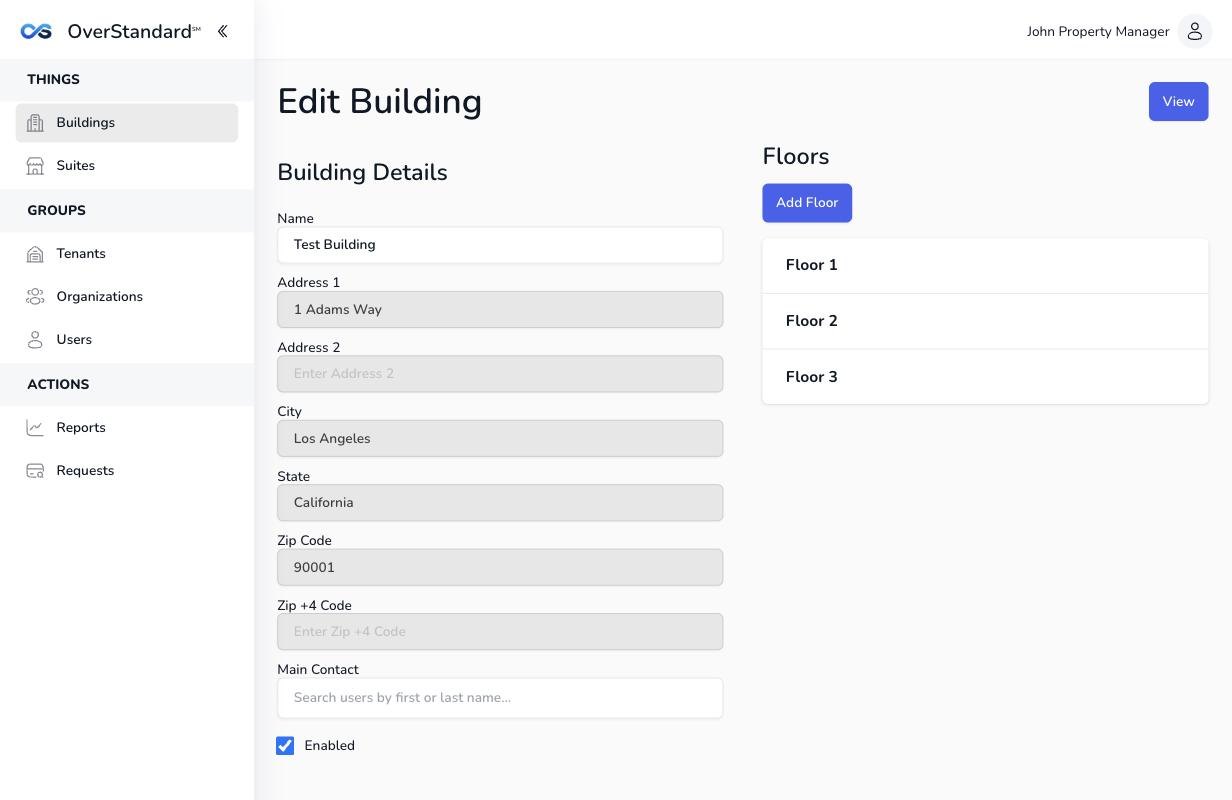
You can change the Name, set a Main Contact from your user list, and toggle Enabled. The address fields are read-only; contact support if a building has moved or was entered incorrectly.
Disabling a building signs everyone out of it. Tenants are told their building is not enabled. Use it only when a property genuinely leaves the portfolio.
Default lease schedule
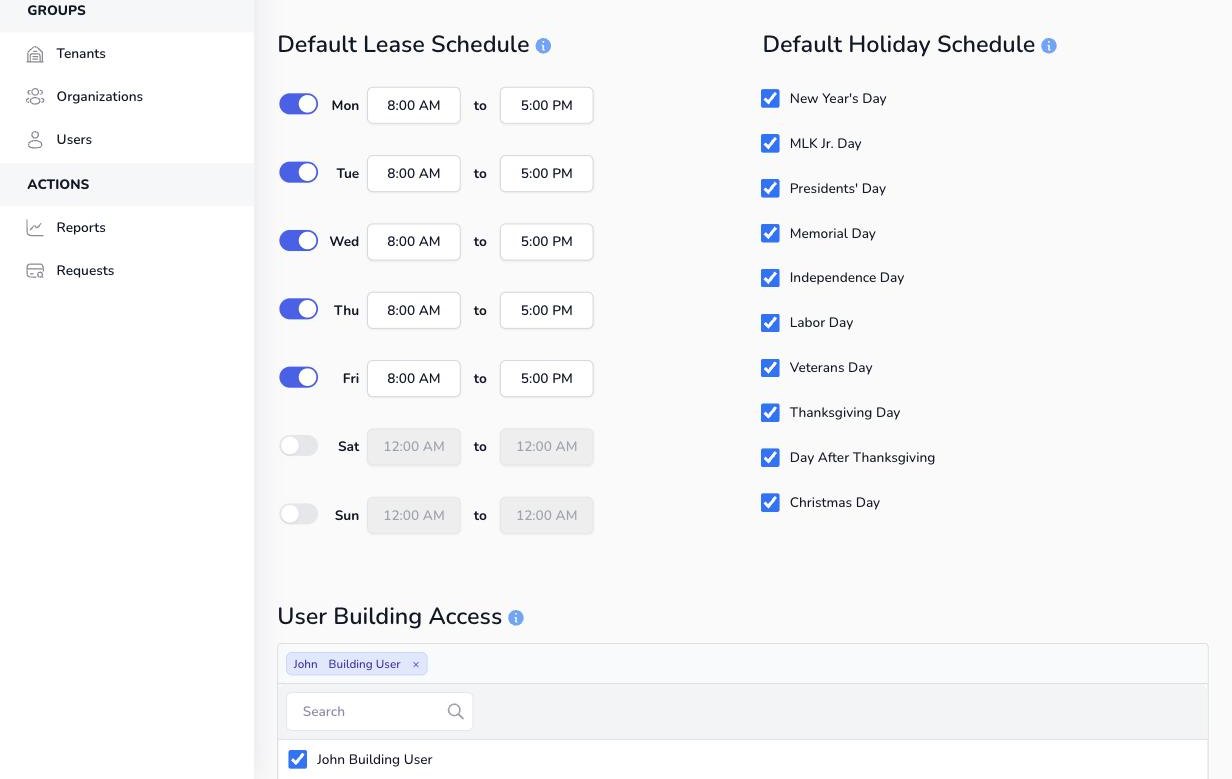
A toggle per weekday plus from and to times. This is the building-wide default: hours inside it are included in rent, and everything outside is after hours and requestable.
Individual suites can override it. If a tenant negotiated different hours, set them on the suite instead; see Setting up a suite. Changing the building default does not overwrite a suite that already has its own schedule.
This directly changes what tenants are billed for. Widening the window makes previously chargeable hours free; narrowing it makes free hours chargeable. Agree changes with affected tenants first; they can see the schedule on their own Buildings and Suites pages.
Default holiday schedule
Ten US holidays, each a checkbox: New Year’s Day, MLK Jr. Day, Presidents’ Day, Memorial Day, Independence Day, Labor Day, Veterans Day, Thanksgiving Day, the Day After Thanksgiving and Christmas Day.
A checked holiday is treated as closed: the whole day becomes after hours, even on a weekday. Tenants can skip these dates automatically on recurring requests with Exclude Holidays. See Standard hours, after hours and holidays.
Floors
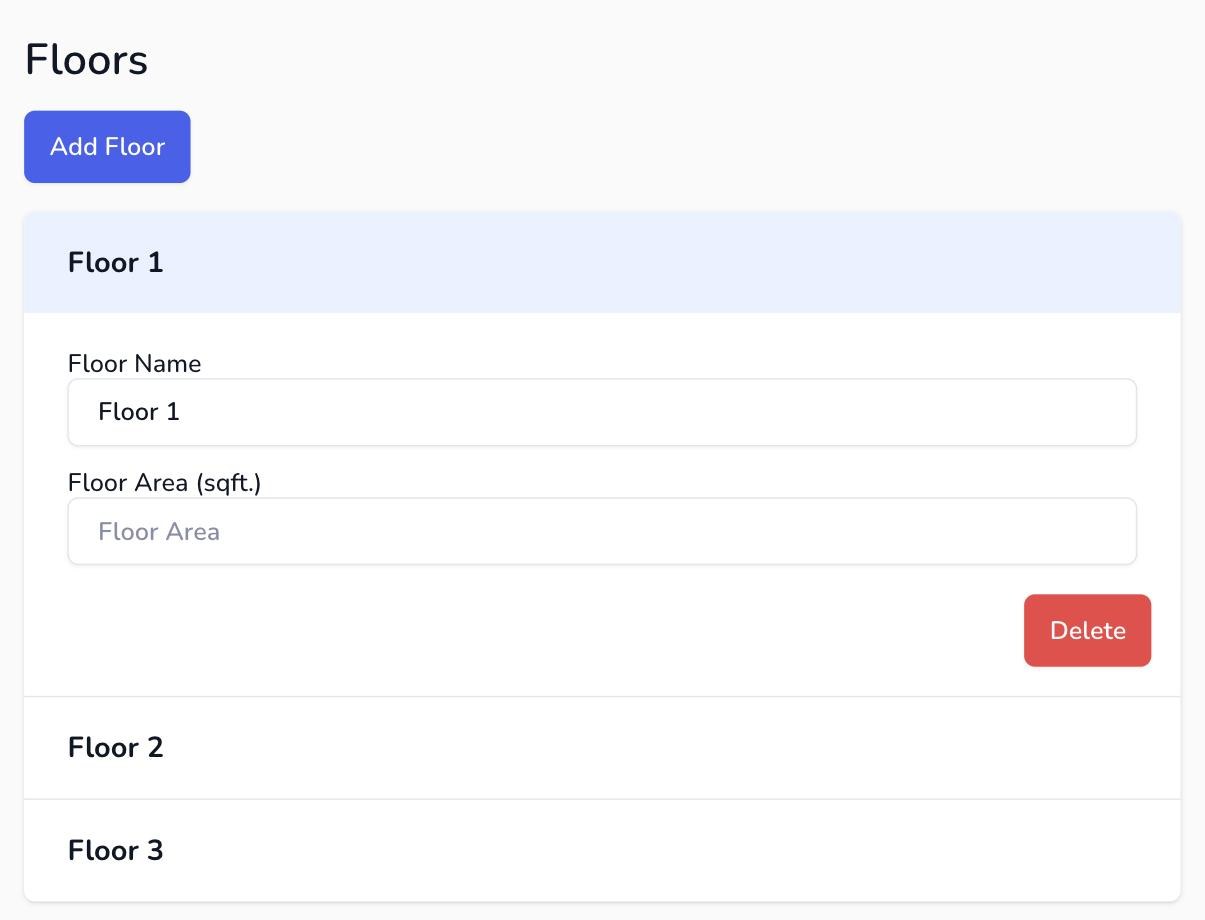
Add Floor creates one; clicking a floor expands it to Floor Name, Floor Area (sqft.) and Delete.
Floors matter more than they look. Services attach to a floor, not a suite, so a suite on a floor with no services can’t have anything requested against it. Create the floor here, then ask support to configure its services.
User building access
At the bottom, User Building Access lists the building-management staff who cover this property. Add or remove them as chips. It’s the building-side view of the same setting you can reach from a user’s record; see Inviting staff and setting access.
Saving
Save commits every panel at once, and changes take effect immediately.