 OverStandard
You need an invitation
There is no public sign-up. Your tenant manager (or the building’s property management team) adds you as a user, and the system emails you an invitation. If you don’t have one yet, ask whoever manages your company’s account, or email support@overstandard.com.
Activating your account
Open the invitation email. It comes from os-noreply@overstandard.com. If it isn’t in your inbox, check your spam or quarantine folder.
Follow the link and complete the sign-up form. You enter your own first and last name and choose a password; phone, extension, fax and job title are optional. Your email address is filled in for you. You’ll also be asked to accept the Terms of Service.
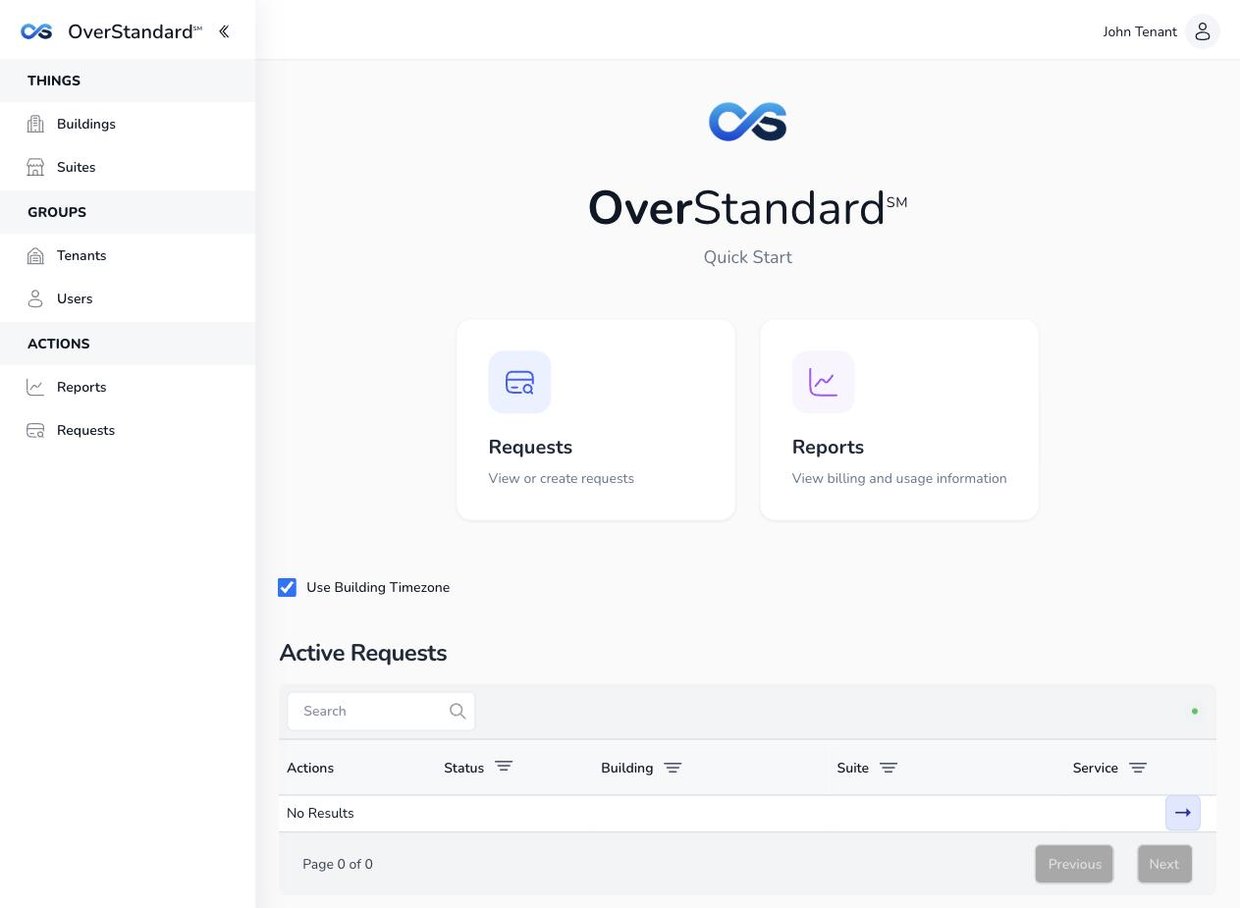
Sign in. Enter your email and the password you just set. You’ll land on the home page, with your building’s active requests listed underneath the Quick Start cards.
Links expire. An invitation link works for 1 month, and a password reset link for 1 day. An expired link shows an “invalid link” page. For an invitation, ask whoever invited you to send a new one. For a reset, request a new one from Forgot Your Password? rather than reusing the old email.
If you forget your password
Click Forgot Your Password? on the sign-in page and enter your email address. If the address matches an account you’ll get a reset link. Setting a new password is the only way to change it; there is no password field on your profile.
“Your account is not enabled”
Sign-in can be blocked for reasons that have nothing to do with your password. The message tells you which applies:
- Your user is not enabled: ask a manager in your organization to re-enable you.
- Your organization is not enabled, or your building is not enabled: this is a building-side setting; contact OverStandard support.
- Your organization has no suites assigned: you can’t request services until your company is linked to a suite.
In each case the fastest route is your tenant manager first, then support@overstandard.com.